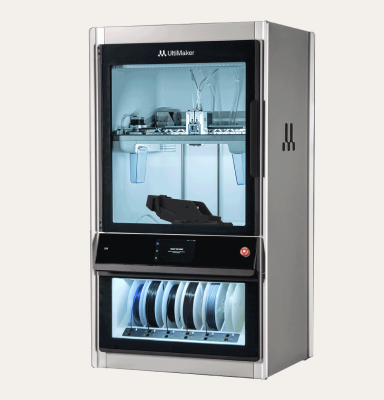
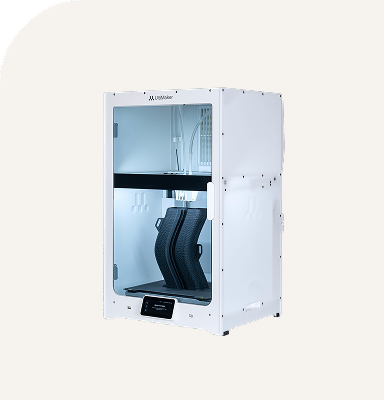
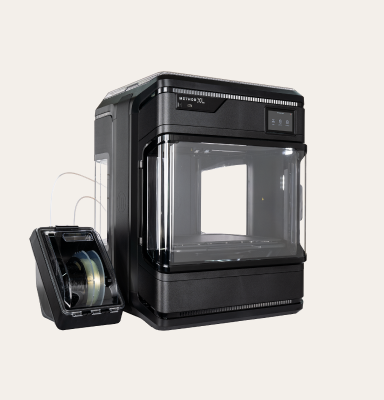
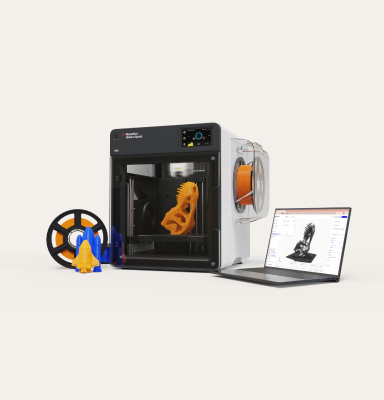
With any 3D printer, regular maintenance is the key to ensuring your device operates at optimal levels.
While a lot of professional tools in production environments require a high degree of specialized technical expertise, keeping an UltiMaker S series printer in top condition doesn’t need to be complicated, but it does require consistency.
Regular cleaning, lubrication, and part inspections go a long way toward ensuring reliable results and preventing unplanned downtime. To this extent, UltiMaker provides clear maintenance schedules for each S series model, so users can plan ahead and keep their printers performing at their best.
How often should you perform maintenance?
With an expected lifetime of 5 years (based on an average of 1500 printing hours per year), the frequency of maintenance tasks will depend on print volume, materials used, and operating environment. Keep in mind that printing hours can easily be increased, provided that proper maintenance is consistently performed.
UltiMaker provides model-specific maintenance schedules that detail when each task should be performed. For the S series, you can consult this maintenance schedule for a more granular overview, but in general, users can expect the following:
Routine checks and cleaning
Within a standard year of regular printing, most maintenance involves cleaning, lubricating and adjusting components.
Download the guide below for full maintenance kit